
by Marylou Erickson | Sep 13, 2026 | Uncategorized
If Google PageSpeed Insights keeps telling you to “reduce initial server response time” and your host keeps telling you to “upgrade to a VPS”, you are stuck in the most common loop in web performance. The good news: in most cases you can...

by Marylou Erickson | Aug 18, 2026 | Uncategorized
If your WordPress site feels janky when it loads, with buttons jumping, images pushing text down, or ads causing chaos, you’re dealing with Cumulative Layout Shift (CLS). It’s one of the three Core Web Vitals Google uses to rank pages, and a poor score can...
by Marylou Erickson | Jul 18, 2026 | Uncategorized
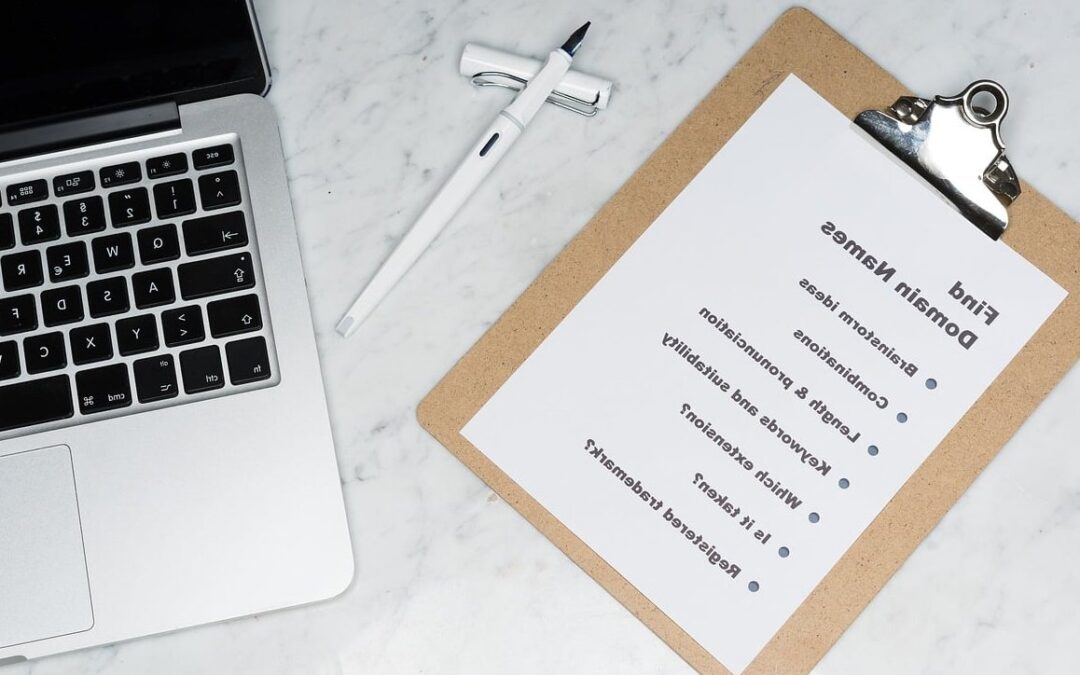
Switching your domain to a new registrar can feel like defusing a bomb. One wrong move and your organic traffic, rankings, and email could vanish overnight. The good news? When you transfer domain without losing SEO equity, it is entirely doable, as long as you follow...

by Marylou Erickson | Jun 1, 2026 | Uncategorized
How to Set Up Nameservers for a New Domain You just registered a fresh domain and you are ready to launch your website, but there is one technical step standing between you and the internet: setting up your nameservers. If that sounds intimidating, don’t worry....

by Marylou Erickson | May 7, 2026 | Uncategorized
Why Is Your Browser Still Showing a “Not Secure” Warning After SSL? You just installed an SSL certificate on your website. Everything should be secure now, right? But instead of the reassuring padlock icon, your browser is throwing mixed content warnings....